
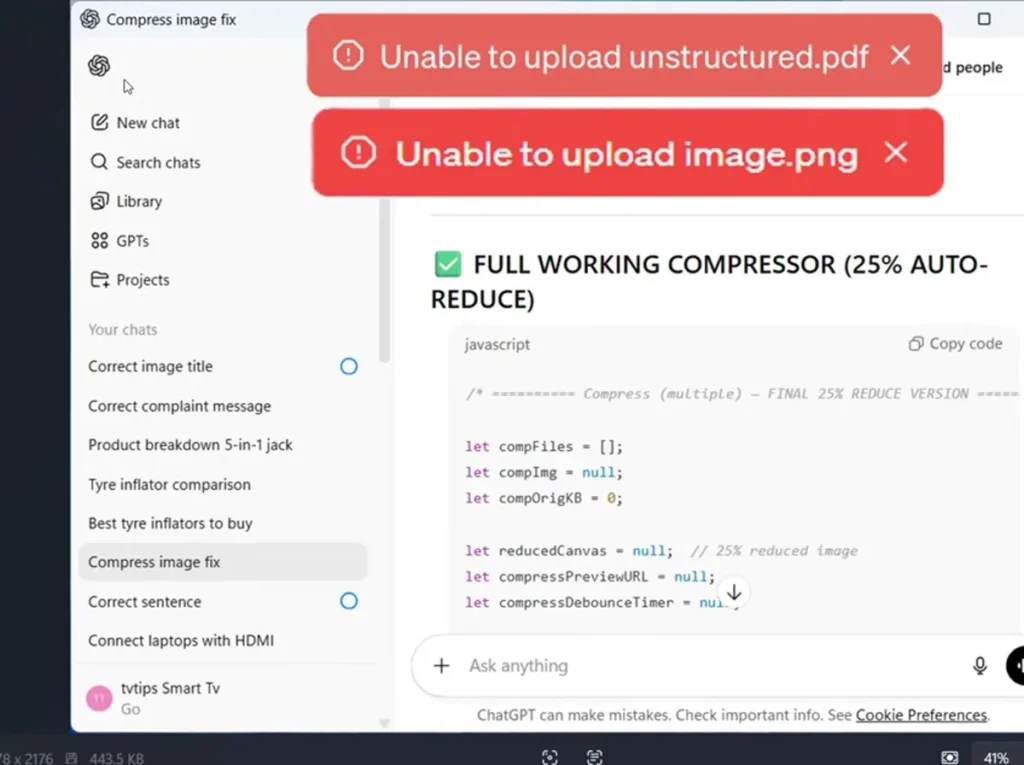
A ChatGPT upload can fail because of the file’s size, its format, the account’s upload allowance, or saved storage. These are separate restrictions. Start with the exact error message before compressing files, deleting conversations, or buying a different plan.
The official upload guidance checked on November 5, 2026, lists a 512 MB maximum for documents and presentations, a two-million-token cap for text documents, approximately 50 MB for spreadsheets, and 20 MB for each image. Rate and storage limits also apply and can change.
Contents
- Current rate and storage figures
- Identify which limit you reached
- A small file can still be difficult to process
- Troubleshoot in a useful order
- How to split a document without losing meaning
- Handle spreadsheets differently from PDFs
- Storage and upload allowances require different fixes
- Ask for evidence after the upload succeeds
- A worked example with a difficult PDF
- Avoid losing the source hierarchy
Quick answer
A ChatGPT upload can fail because of the file’s size, its format, the account’s upload allowance, or saved storage. These are separate restrictions. Start with the exact error message before compressing files, deleting conversations, or buying a different plan.
Current rate and storage figures
The reviewed upload guidance lists up to 80 files per three hours, with Free accounts limited to three uploads per day. It also lists shared upload storage of 25 GB per user and 100 GB per organization. Peak-time reductions can apply. These figures describe different restrictions; a storage error and a temporary rate limit need different fixes.
Identify which limit you reached
| Symptom | Likely area to investigate | First action |
|---|---|---|
| One large file repeatedly fails | File size or processing requirements | Check size and supported format |
| Small files fail after several attempts | Upload rate allowance | Read the retry notice |
| Error mentions storage | Saved files or workspace storage | Inspect storage settings |
| File uploads but content is missing | Extraction or document structure | Test a short representative section |
| Only one app fails | Client or upload method | Compare a supported web workflow |
This table is a diagnostic guide, not proof of a specific cause. A service incident can produce similar symptoms.
A small file can still be difficult to process
File size measures bytes. A document’s text length is a different measurement, and a scan may contain images rather than selectable text. A compact file can have extensive text, while a large PDF may contain only a few high-resolution scans.
Open the document locally. Can you select and copy a paragraph? Are the tables readable? If the file is encrypted, damaged, or exported incorrectly, reducing its size will not repair the underlying problem.
For a long report, make a short test copy containing the title page, a normal text page, a table, and an appendix example. Ask the assistant to identify what it can read before assigning the full analysis.
Troubleshoot in a useful order
- Confirm the signed-in account and active plan.
- Copy the error wording and note the time and time zone.
- Check the file extension, size, and whether it opens normally.
- Read any retry time shown in the product.
- Check saved storage if the error refers to capacity.
- Look for an incident on the official service status page.
- Try a small, non-sensitive file through a supported upload method.
Do not retry continuously. Repeated attempts make diagnosis harder, and failed uploads can sometimes count toward the rate allowance according to the supplied research and official guidance.
How to split a document without losing meaning
Split by logical sections rather than arbitrary page counts. Keep headings, table labels, footnotes, and units with the content they explain. Name the files in sequence and include a short index.
For example, divide a policy manual into introduction, procedures, exceptions, and appendices. Ask for a section summary first, then a combined review. Tell the assistant which file takes precedence if there are conflicting versions.
Avoid splitting a table in the middle of a row or separating a definition from the rule that uses it. A smaller upload is not useful if the evidence becomes ambiguous.
Handle spreadsheets differently from PDFs
Preserve raw data in a spreadsheet when calculations matter. Converting a workbook to screenshots can hide formulas, sheet names, and row relationships.
Remove unnecessary decorative images and unused sheets from a working copy if they contribute to size. Keep the original. Explain column meanings, date formats, missing values, and whether a total includes refunds or tax.
Ask for the row count and column names before the calculation. Check a few known totals yourself. Successful upload does not guarantee that every sheet was analyzed.
Storage and upload allowances require different fixes
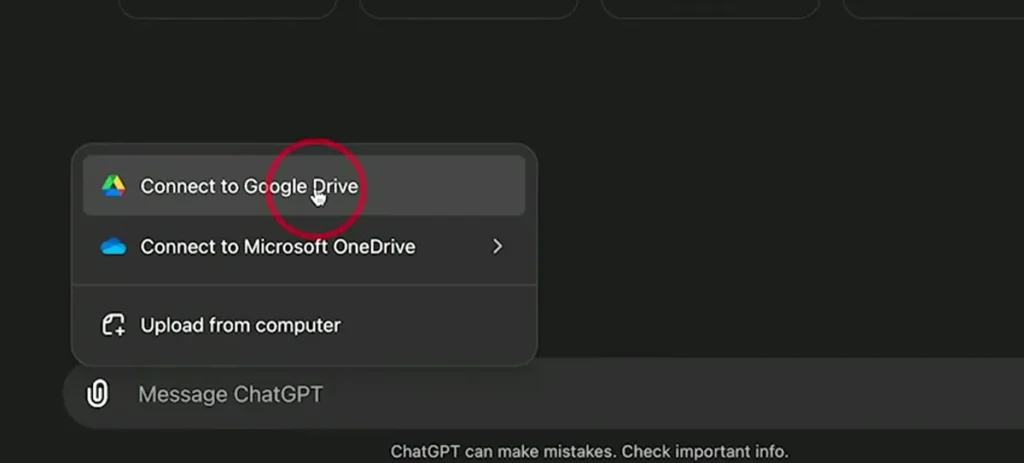
Waiting may help a temporary rate limit. It does not automatically free saved storage. Deleting a chat also should not be assumed to remove a file saved separately in Library or Space; check the relevant saved-file location.
Before deleting anything, export material you need and confirm which copy you are removing. A project attachment, a saved file, and a conversation can have different purposes.
Treat account-specific storage displays as more useful than an old screenshot from a tutorial. Product interfaces and quotas can change across plans and rollouts.
Ask for evidence after the upload succeeds
Use a request such as: “List the files you can access, identify the sections you read, and cite page numbers where available. Flag anything unreadable. Do not infer missing figures.”
Then inspect a few references. If the assistant cites a page, verify the quoted fact appears there. For documents with both printed and PDF page numbers, say which numbering system to use.
If support is needed, provide the error, timestamp, platform, file type and size, and a request identifier if one is shown. Redact private document content from screenshots.
A worked example with a difficult PDF
Imagine a scanned report that uploads but produces an incomplete summary. First ask which pages contain readable text. Compare a page with selectable text, a scanned page, and a table page. This can reveal an extraction problem that a size check would miss.
Create an authorized text or OCR working copy if needed, then review the extracted text before analysis. Pay attention to negative signs, decimal points, column headings, and footnotes. An OCR mistake in a financial table can change the meaning of a result.
Ask the assistant to cite the source page for each important conclusion. If the report uses printed page numbers that differ from the PDF viewer, define the numbering convention. Keep the original report beside the working copy so the analysis remains traceable.
Avoid losing the source hierarchy
When several files describe the same subject, identify the current approved version. A newer filename does not necessarily mean a document supersedes the earlier policy.
Provide a small index listing filename, purpose, date, and precedence. Ask the assistant to flag contradictions rather than choose silently. This preparation often improves an answer more than splitting every file into smaller pieces.
Related guides: ChatGPT Plus Image Upload Limits and Reference Photo Fixes · Can ChatGPT Transcribe Audio and How to Check the Result · ChatGPT Usage Limits and What Each Message Means
Order on WhatsApp
Get your subscription activated in minutes — pay in AFN with HesabPay, MTN MoMo or at our Kabul office.
💬 Order on WhatsAppFrequently asked questions
Does a paid plan remove every upload limit
No. File requirements and account allowances still matter.
Will clearing my browser fix a quota
It may help a local interface problem, but it does not establish that a server-side allowance has reset.
Why does a PDF upload but produce a weak answer
Extraction, scans, tables, and missing context can affect the result. Test what the assistant actually read.
Should I delete all my chats
Identify the restriction first. Broad deletion can remove useful work without solving the problem.